In the vast and intricate ecosystem of Linux, understanding process management manifests as an essential aspect for both system administrators and avid users. The terminal, acting as the command-line portal into the operating system’s core, unlocks a universe of commands and tools designed to monitor, control, and automate system processes. These processes, which constitute the active instances of programs and commands, form the heartbeat of the system’s operation, influencing performance, stability, and security.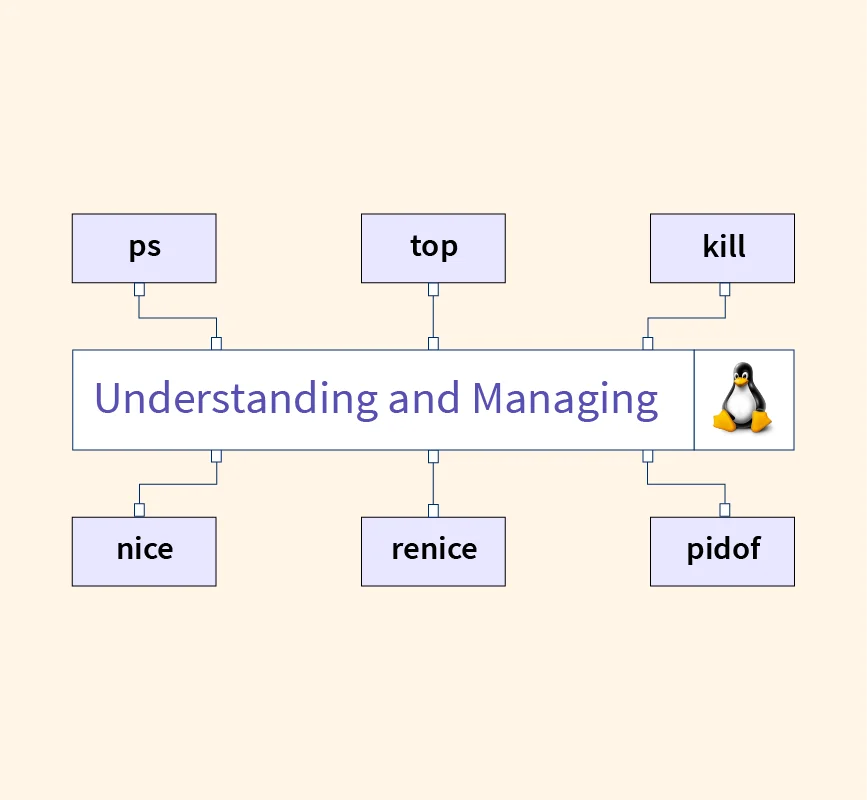
Through the collective functionalities of commands like ps, top, kill, and many others, users can gain insights into active processes, manipulate their execution, and automate recurring tasks. The comprehensive understanding of these tools and concepts is vital for maintaining optimal system health, troubleshooting issues, and enhancing automation. This article, published on the renowned Free Source Library, aims to deliver an extensive exegesis into the realm of Linux process management, embracing the depth and breadth of capabilities that can elevate one’s command-line mastery.
The Fundamental Concepts of Processes in Linux
Defining Processes: The Dynamic Actors of Linux
A process in Linux can be succinctly described as an active instance of a program, embodying the runtime state of an executable file. Every command executed, whether by a user or the system itself, results in a process that the kernel manages through identifiers known as process IDs (PIDs). These processes are the fundamental building blocks of the operational environment, representing everything from simple commands to complex system services.
Processes in Linux are dynamic and multi-faceted. They possess various attributes such as user ownership, priority level, resource utilization, and process state (running, sleeping, stopped, etc.). The interplay and management of these processes determine the overall system performance, responsiveness, and stability.
The Relationship of Processes with the Parent-Child Hierarchy
Processes in Linux are interconnected through a parent-child hierarchy, forming a tree structure that reflects the genesis and termination of tasks. Typically, the init system (PID 1) is the root of this hierarchy, spawning system services and user sessions. Child processes may spawn further subprocesses, allowing complex workflows and multitasking capabilities within the system.
Understanding this hierarchy is foundational to managing processes efficiently, especially when diagnosing resource leaks or orphaned processes that no longer serve any purpose but continue consuming system resources.
The Command-Line Ecosystem for Process Management in Linux
The ‘ps’ Command: Snapshot of System Processes
The ps command is an essential tool for inspecting process statuses. When invoked, it provides a snapshot of the current processes, enabling users to identify running applications and their attributes. By default, executing ‘ps’ shows processes linked to the current terminal session, but advanced options extend this view across all users and system processes.
| Argument | Description | Sample Usage |
|---|---|---|
| aux | Lists all processes on the system, including those of other users, with detailed info | ps aux |
| -e | Shows all processes in the system | ps -e |
| –sort | Sorts processes based on parameters, such as CPU or memory usage | ps aux –sort=-%cpu |
The ‘top’ Command: Real-Time Resource Monitoring
The top command takes dynamic process management a step further by providing an ongoing, real-time display of process activity. It not only shows process details (such as PID, user, CPU, and memory utilization) but also updates persistently, allowing users to observe the immediate impact of system activities and resource consumption.
This relentless monitor is invaluable for troubleshooting, performance tuning, and understanding the behavior of complex applications under load.
Manipulating Processes: The ‘kill’ and ‘pkill’ Commands
‘kill’: The Flexibility of Signal-Based Termination
The kill command is an archetype for controlled process termination. Despite its ominous name, ‘kill’ sends signals — the operating system’s way of communicating directives — to processes. The most common is SIGTERM (signal 15), a graceful request for process termination. When a process does not respond, SIGKILL (signal 9) can forcibly terminate it, ensuring no process lingers.
For example:
kill -15 1234This sends SIGTERM to process with PID 1234. To forcibly stop a process:
kill -9 1234‘pkill’: Name-Based Process Termination
The pkill command simplifies process management by allowing precise targeting based on process names or attributes. Instead of searching for PIDs, users specify the process name, which pkill matches and terminates accordingly:
pkill firefoxThis sends a SIGTERM to all processes matching the name ‘firefox,’ providing an intuitive and efficient approach for process control.
Adjusting Priority: The ‘nice’ and ‘renice’ Commands
System resource allocation hinges significantly on process priority, which can be delicately tuned through the nice and renice commands. ‘nice’ starts a process with a specified priority level—higher niceness numbers mean lower priority, and vice versa. Changes to ongoing processes can be made with ‘renice,’ allowing dynamic priority adjustment.
| Command | Description | Example |
|---|---|---|
| nice | Starts a process with a specific niceness value | nice -n 10 command |
| renice | Modifies the niceness of a running process | renice -n 5 -p 1234 |
Automation and Background Processing: The Role of ‘cron’ and Daemons
‘cron’ and Scheduling Repetitive Tasks
The cron system is foundational for automating repeated or time-sensitive tasks. The ‘crontab’ allows users to specify schedules, which trigger commands or scripts periodically. This feature is vital for automating system backups, log rotation, maintenance tasks, and more.
A typical crontab entry might look like:
0 2 * * * /usr/bin/backup.shThis executes the backup script daily at 2 AM.
The Background Realm: Daemons and Systemctl
Daemons, which are background processes, manage critical system functions like network services, logging, and hardware management. They usually start at boot time and run silently, often without direct user interaction. The systemctl command is the primary utility for controlling these services, enabling administrators to start, stop, enable, disable, or restart daemon processes seamlessly. For instance:
systemctl restart sshd.serviceVisualizing Process Trees and Relationships
‘pstree’: Embodying Process Hierarchies
The pstree command provides a visual representation of the process hierarchy, illustrating parent-child relationships. This clarity fosters understanding of how processes spawn sub-processes, assisting in identifying orphaned or zombie processes that can impact system stability.
Foreground and Background Execution Commands
‘fg’ and ‘bg’: Control of Process States
Managing process states within the terminal is facilitated by the fg (foreground) and bg (background) commands. These commands allow users to move tasks between active foreground execution and background execution, creating a fluid multitasking environment.
Example usage:
fg %1Brings job number 1 to foreground; whereas,
bg %2Resumes a suspended job in the background.
‘jobs’ and ‘disown’: Managing and Detaching Jobs
The jobs command lists background and suspended tasks, providing insight into job status. The disown command further detaches processes from current terminal control, enabling them to persist beyond session termination, which is particularly useful for long-running or critical tasks.
Signals and Process Communication
The Critical Role of Signals
Signals are the operating system’s mechanism for process communication and control. The signal system allows processes to respond to events, such as requests for termination, suspension, or custom user-defined actions. Signals like SIGINT (interrupt), SIGSTOP, and SIGCONT exemplify the range of control over process execution.
For example, pressing ‘Ctrl + C’ sends SIGINT to terminate the current process. Custom signals can also be sent with the kill command.
Deep System Inspection: ‘strace’ and ‘lsof’
‘strace’: Diagnosing System Calls
The strace tool acts as a forensic investigator, tracing the system calls and signals made by a process. This insight is invaluable for debugging, understanding process behavior, or investigating security concerns.
‘lsof’: Transparency in File and Network Interactions
The lsof command reveals all files opened by a process, including network sockets, device files, pipes, and more. This transparency assists in diagnosing resource leaks or security issues.
The Lifecycle of Processes: System Calls ‘fork’ and ‘exec’
‘fork’: Creating New Processes
‘fork’ is a fundamental system call that reproduces the current process, creating an identical child process. It plays a key role in process creation, especially within daemon startup routines or multitasking frameworks.
‘exec’: Replacing Processes
‘exec’ replaces the current process image with a new executable, allowing processes to transform seamlessly. Coupled with ‘fork,’ it enables the creation of new, entirely different processes dynamically, critical for shells and multi-process applications.
Summary: Mastering Process Control in Linux
The command-line tools and concepts surveyed here constitute the backbone of effective Linux system management. Mastery over process monitoring, control, automation, and visualization equips users to optimize system performance, troubleshoot efficiently, and automate complex workflows. The extensive range of commands, from ‘ps’ and ‘top’ to ‘systemctl,’ empowers users to tailor their Linux environments precisely to their needs.
For those eager to deepen their understanding, consulting the detailed manuals and leveraging open-source tools such as ‘strace’ and ‘lsof’ foster transparency and investigative capabilities. The collaborative atmosphere of the Linux community continuously enriches these tools, promoting innovation and resilience.
Key Terms and Their Interplay in Linux Process Management
Summary List of Important Concepts
- Processes: Active instances of programs embodying runtime tasks.
- Terminal: The command-line interface for user-system interaction.
- ‘ps’: Capture and analyze current process states.
- ‘top’: Dynamic, real-time performance monitoring.
- ‘kill’ / ‘pkill’: Process termination via signals.
- ‘nice’ / ‘renice’: Resource priority management.
- ‘cron’: Scheduling of recurring tasks.
- Daemon: Background system processes.
- ‘systemctl’: Control over system services and daemons.
- ‘pstree’: Visualization of process hierarchy.
- ‘fg’ / ‘bg’: Moving processes between foreground and background.
- ‘jobs’: Listing active jobs.
- ‘disown’: Detachment of processes from the terminal.
- Signals: Messaging protocol between processes and the OS.
- ‘htop’: Visual system resource monitor.
- ‘strace’: System call tracing for diagnostics.
- ‘lsof’: Open files and network connections tracker.
- fork: Process creation.
- exec: Process image replacement.
Through rigorous understanding and practical application of these elements, users not only achieve effective process control but also unlock the potential for deep system insights, automation, and efficient troubleshooting, establishing themselves as proficient Linux system administrators and enthusiasts.